01
Capture the symptom
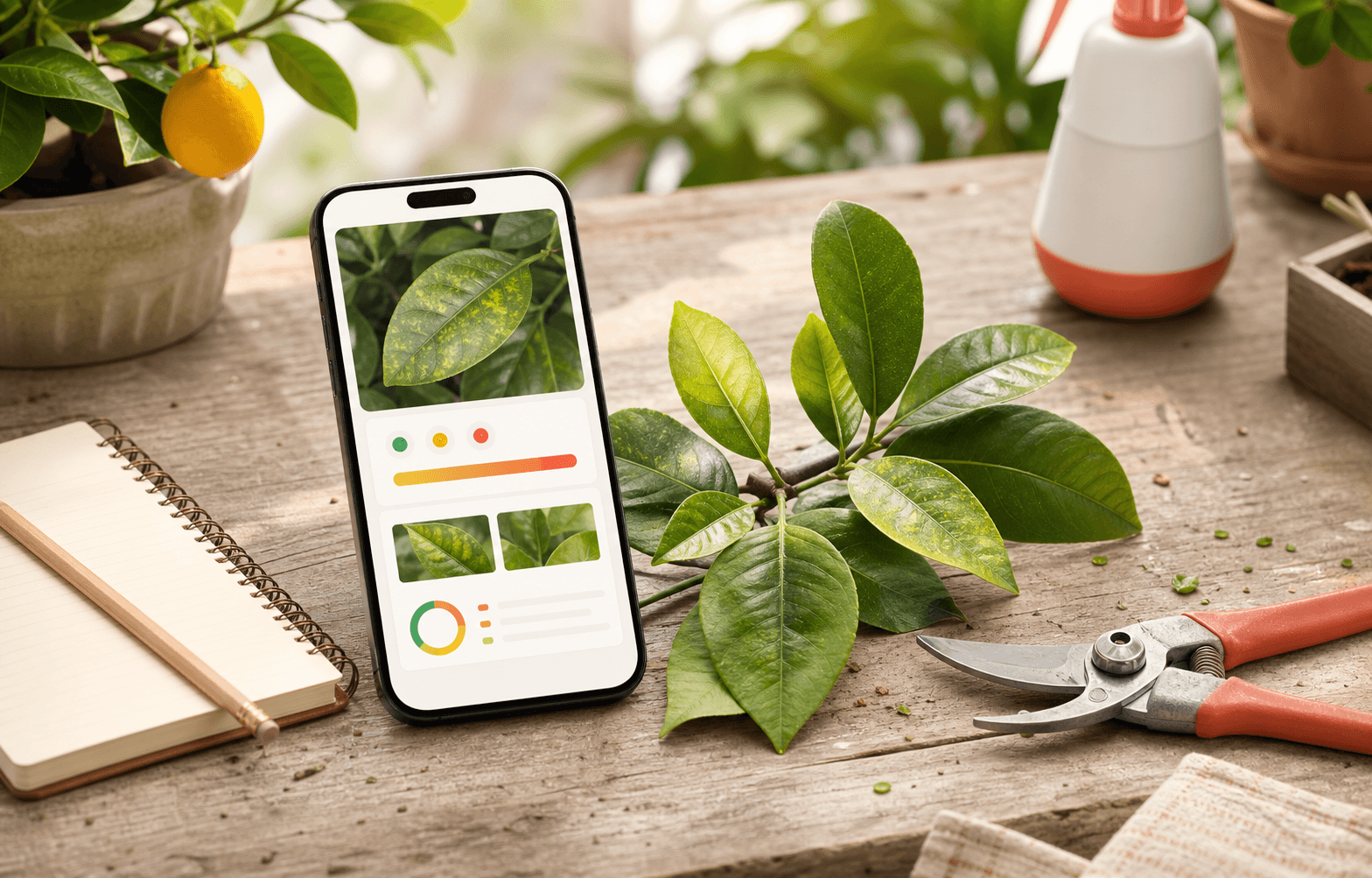
Use the in-app camera to frame a leaf, whole plant, or pruning wound in good light — one shutter, no modes.
A little help for everything you grow
Yellowing leaves? A plant that’s looking a little tired? Take a photo to explore likely causes, find your next care step, and follow its progress. All on your phone.
Free Android app · Direct APK install
One-time ~1.3 GB AI download over Wi-Fi · 6 GB+ RAM
Your photos never need to leave your phone.
Small steps, over time
Plant care is a conversation you come back to. Keep the photos, the questions, and the little changes together.
Use the in-app camera to frame a leaf, whole plant, or pruning wound in good light — one shutter, no modes.
Get a health summary, likely causes, and suggested next steps. AI can be wrong, so use the suggestions alongside what you can see and feel.
Compare follow-up photos, see whether a plant is better, same, or worse — and chat about it: answers come from that plant's own record, on your phone.
Example plant care journey
Sample data, not a live analysis.
Meyer lemon
Sample plant
01 / Notice something different
A yellowing leaf. A new spot. Capture what you see and keep a record for this plant.
Your photos stay on your phone.
A one-minute look inside the Android app. Add a plant, take a photo, and review its care record.
MP4 · 1:02 · 9.4 MB. Hosted on this site; loads only when you press Play or download it.
These written steps describe the screen recording. English on-screen steps are also available in the player’s subtitle menu.
Recorded on Android in August 2026. Screens may differ in newer versions. First-time setup instructions are below under Get the app.
A little everyday support
Causes come back ranked using your plant's own record — when you watered, recent heat and rain, its species — not generic guesses.
Photograph the plant and get likely cut areas marked on your photo, over pruning rules sourced from university extension services — with the right season window for your hemisphere.
The night before a frost or heat spike, a notification names which plants to bring in or shade. Citrus in an HLB quarantine ZIP gets flagged too.
Each plant gets a forecast-adjusted watering rhythm, smart re-check reminders, and one Today card saying what actually needs doing.
Shoot every tree or import a whole roll at once, then say which plant each photo belongs to — scan a code you bound to the tree, or pick it by its number. The queue waits until you ask for the analysis.
Prefer to read first? The pruning guides are free on this site — sourced from university extension services, no app needed.
Every plant has a story
On your phone
Citrus Care is a free Android app. There is no sign-up and no server — your plants, photos, and history live only on your phone.
Installs directly — no Play Store yet. Your browser will warn about apps from outside the store; that's normal for a direct download.
Explore the source code on GitHubYour photos and plant records stay on your phone. The AI works there too, with no account or cloud uploads. There’s no automatic sync, so export a backup to keep a copy of your garden. Setup downloads the AI model; optional weather lookups use your plant’s location.
Read the full privacy noteCitrus Care is free and always on-device. If it helps your garden, you can buy me a coffee.
Buy me a coffee ☕Found a bug or want a feature? Email feedback@citruscare.net